Simple Security Advice for Real People

Practical guides for protecting your home, accounts, devices, privacy, and family without the confusing tech jargon.

Online Security

Protect your accounts, devices, and personal information with beginner-friendly guides covering VPNs, password managers, identity protection, and more.

Home Security

Keep your home safer with practical advice on locks, cameras, lighting, and smart devices. Honest reviews and real-world guidance for everyday homeowners and renters.

Simple Security Guidance for Everyday Life

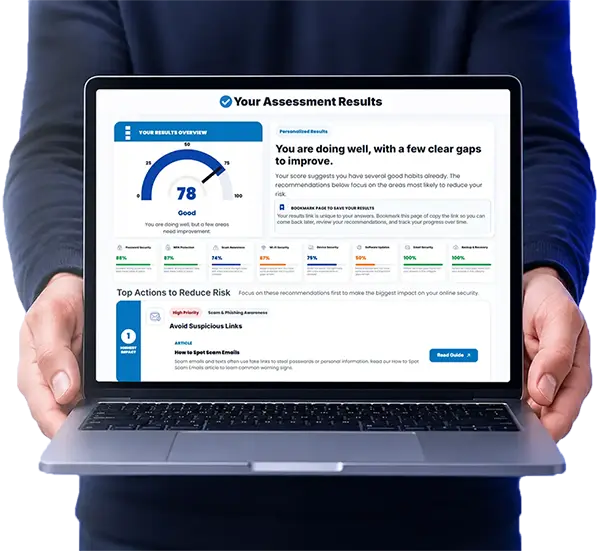
Locks to Logins helps everyday people make better security decisions at home and online. Whether you are trying to protect your front door, secure your Wi-Fi, avoid scams, or strengthen your passwords, the goal is the same: practical advice you can actually use.

This site covers physical security, online security, privacy, smart home risks, identity theft, scams, and product reviews in plain language. No scare tactics. No unnecessary jargon. Just clear guidance to help you stay safer.

Start with the basics, build better habits, and learn which tools are actually worth your time.

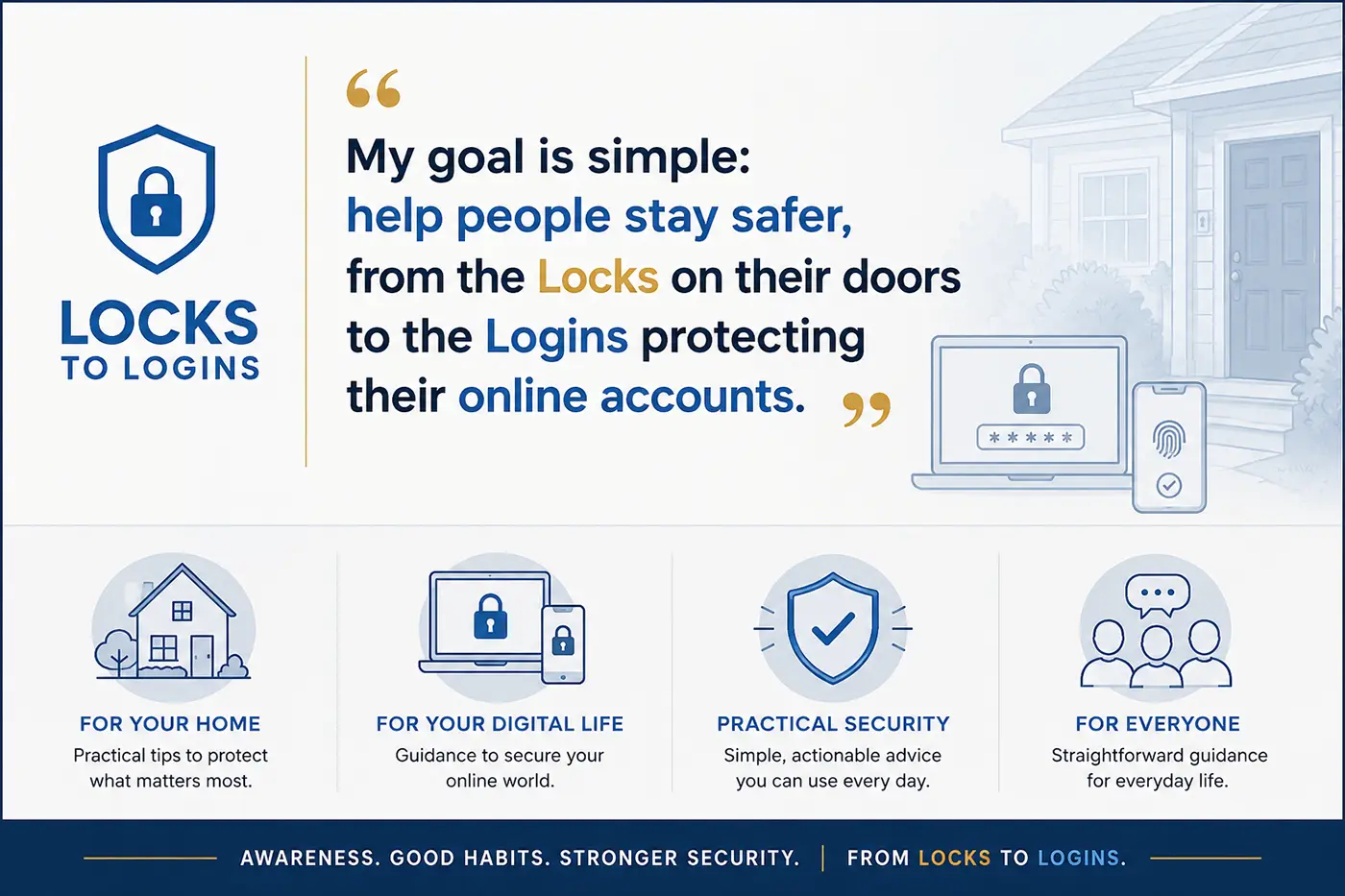
Locks to Logins helps people stay safer from the locks on their doors to the logins protecting their online accounts.

Explore Security by Topic

Online Security

Protect your accounts, devices, and privacy with practical guides on passwords, VPNs, scams, Wi-Fi security, two-factor authentication, and other everyday online risks.

Start with the online security overview for a guided introduction, or browse all online security guides to explore the full library.

Popular Online Security Guides:

Home Security

Improve your physical security with practical advice on locks, cameras, lighting, smart devices, doors, windows, and simple steps that work for homeowners and renters alike.

Start with the home security overview for a guided introduction, or browse all home security guides to explore the complete collection.

Popular Home Security Guides:

Latest Security Guides and Insights

Fresh guides, honest reviews, and practical security advice to help you protect your home and digital life. New content is added regularly, and you can always explore the full library through Online Security or Home Security.

What is Locks to Logins?

Locks to Logins is a home and online security education website focused on helping everyday people better protect their homes, devices, accounts, and personal information using practical, easy-to-understand advice.

The site covers both physical home security and online security topics including home security, smart devices, Wi-Fi protection, passwords, identity theft, scams, VPNs, privacy, and more.

Not usually. Many of the best security improvements cost little or nothing and involve better habits, stronger settings, and understanding common risks.

Locks to Logins is designed for everyday people, homeowners, renters, families, and anyone looking for straightforward security advice without overly technical jargon. We cover both physical and online security topics, from the locks on your doors to the logins protecting your online accounts.

Start with these three basics:

  1. Use strong unique passwords for (a password manager can mange this for you)
  2. Enable two-factor authentication wherever possible (especially email, banking and other important accounts)
  3. Keep your devices and software updated

Those three steps alone stop a large percentage of common attacks and scams.

Focus on the basics first. Secure all doors and windows with quality locks, improve visibility with outdoor lighting, and consider adding cameras or a video doorbell. These simple steps cover the most common entry points and risks.

A VPN adds an extra layer of privacy by encrypting your internet traffic and masking your IP address. While not always required, it is especially useful for protecting your data and browsing activity. Read more in out Home VPN 101 guide.

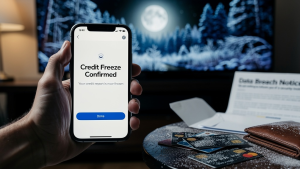
If one of your accounts is involved in a data breach, first start by changing the password immediately and make sure the new password is strong and unique. You should also enable two-factor authentication, monitor your accounts for suspicious activity, and consider freezing your credit if sensitive personal information was exposed. Using a password manager can also make it much easier to secure and manage your accounts after a breach.

Latest Home & Online Security Articles

Get Practical Security Tips Delivered to Your Inbox

Helpful guides, honest product updates, and real-world security advice sent straight to you. No spam, no fluff, and easy to unsubscribe anytime.